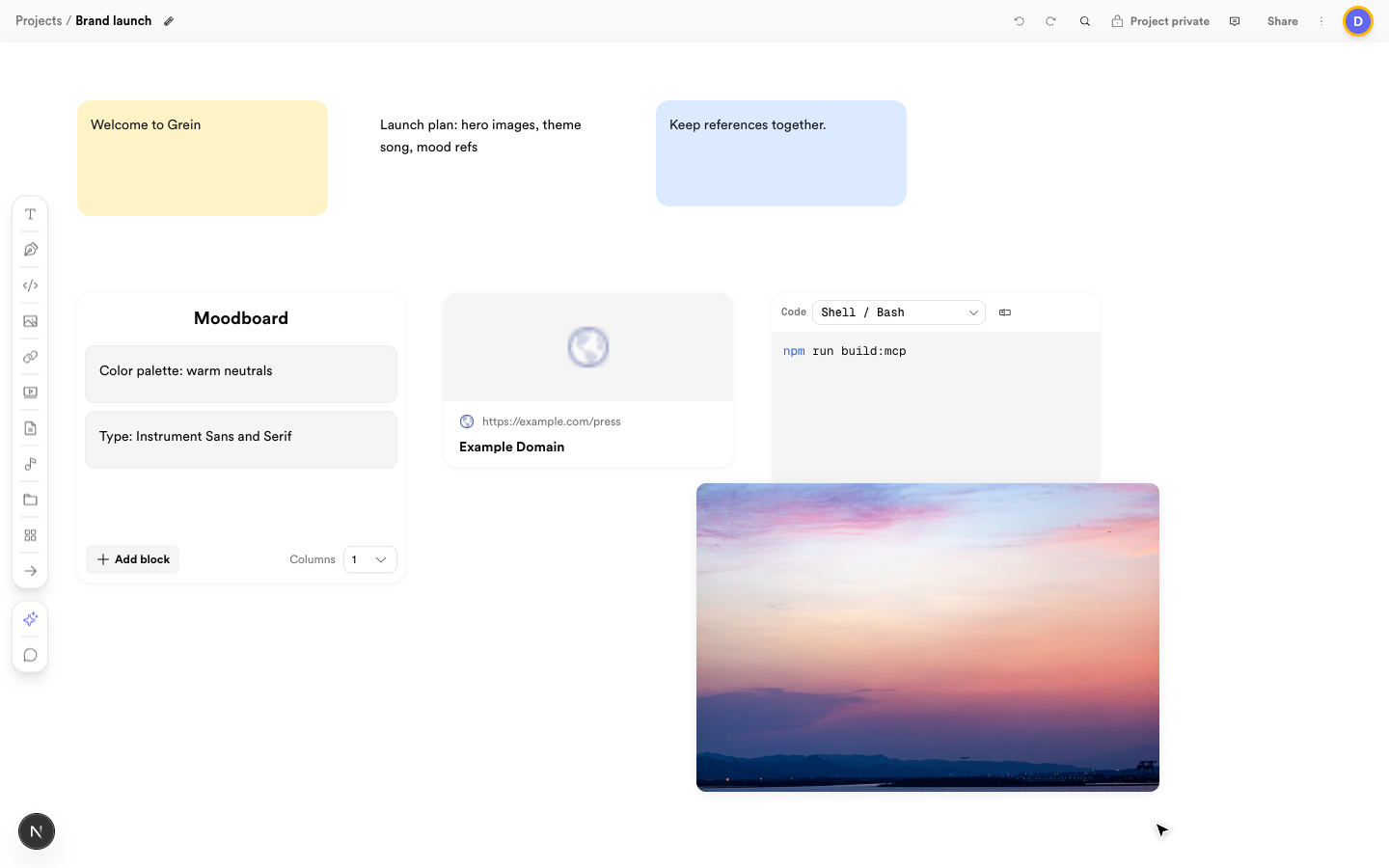
Everything on the canvas is a block. Create them from the toolbar on the left. Grein blocks: notes, composite, link preview, code, and photo Notes, a composite, a link preview, code, and a photo on one board

Text and code

Notes hold rich text — double-click to edit. Code blocks hold snippets with formatting preserved.

Images, video, documents, audio

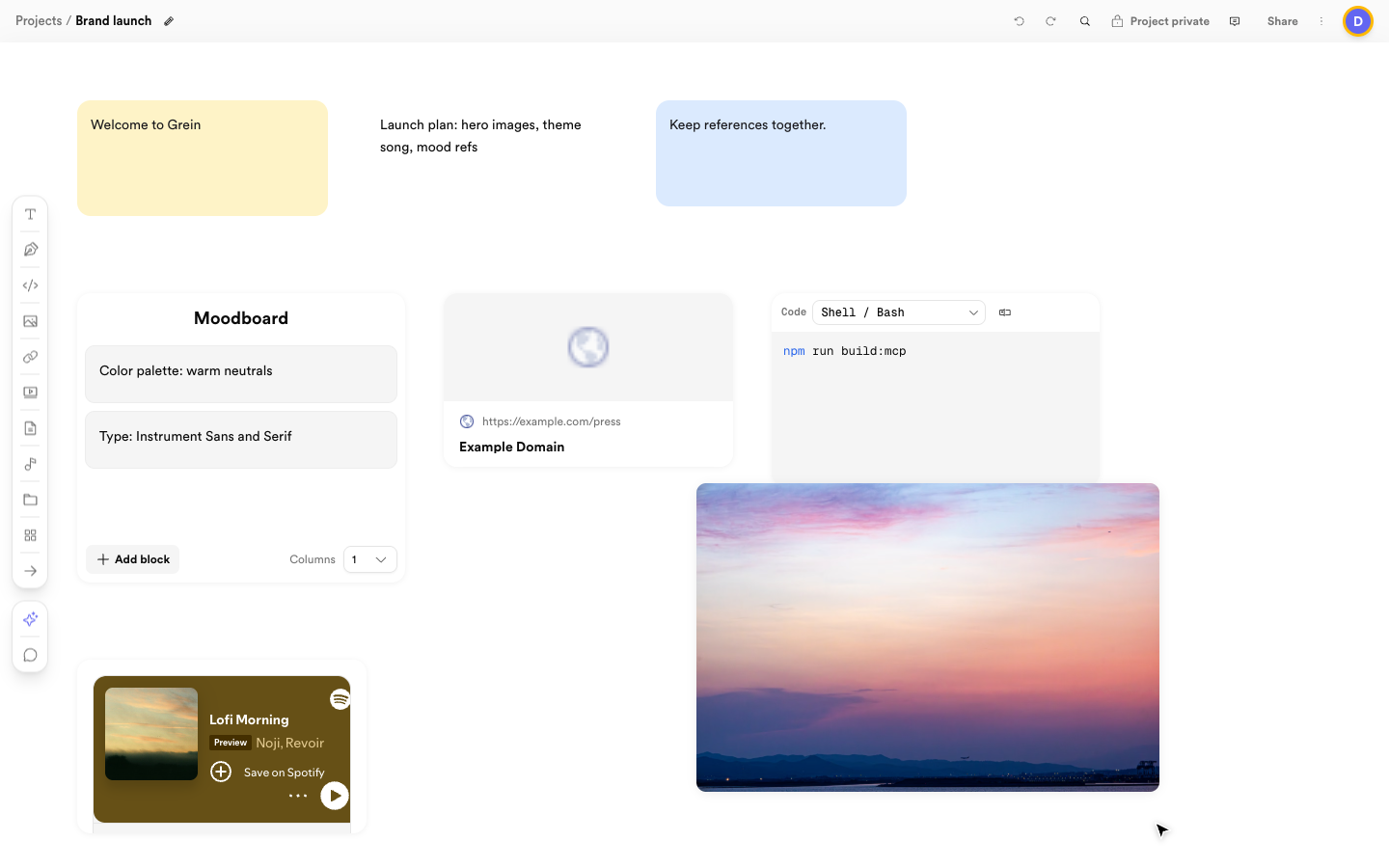
Add an image, video, document, or audio block, then either upload a file, paste a URL, or search built-in libraries without leaving Grein: photos and video from Pexels, sound effects from Freesound, and songs from Spotify with preview before you add. See Find media for the full tour. A board with a Pexels photo and a Spotify player block Photos and songs live side by side as blocks Paste any URL into a link block to get a live preview with title and image. The preview resolves when you view it — nothing extra to manage.
Sketches

Sketch blocks open a full-screen pressure-sensitive canvas. Pen or mouse draws, touch pans and pinches. Strokes save with the block, and a live thumbnail shows on the canvas.

Boards and composites

A board block links to a nested sub-board you navigate into. A composite block groups related blocks inline as a titled vertical stack — perfect for keeping references together without leaving the board.

Arrows

Drag between blocks to connect them. Each side offers several connection points so arrows attach cleanly, with guide dots while you drag.

Colors

Select a note or board block to change its background and text color from preset swatches or a custom picker. Fresh blocks use your theme surface until you pick a color.