
Projects
Your dashboard splits projects into Your projects and Shared with you. Shared cards show your role and who shared the project. Only owners can edit or delete a project. Search the dashboard to find projects by title or description, plus a Blocks and boards section that matches block content and tells you which project each match lives in.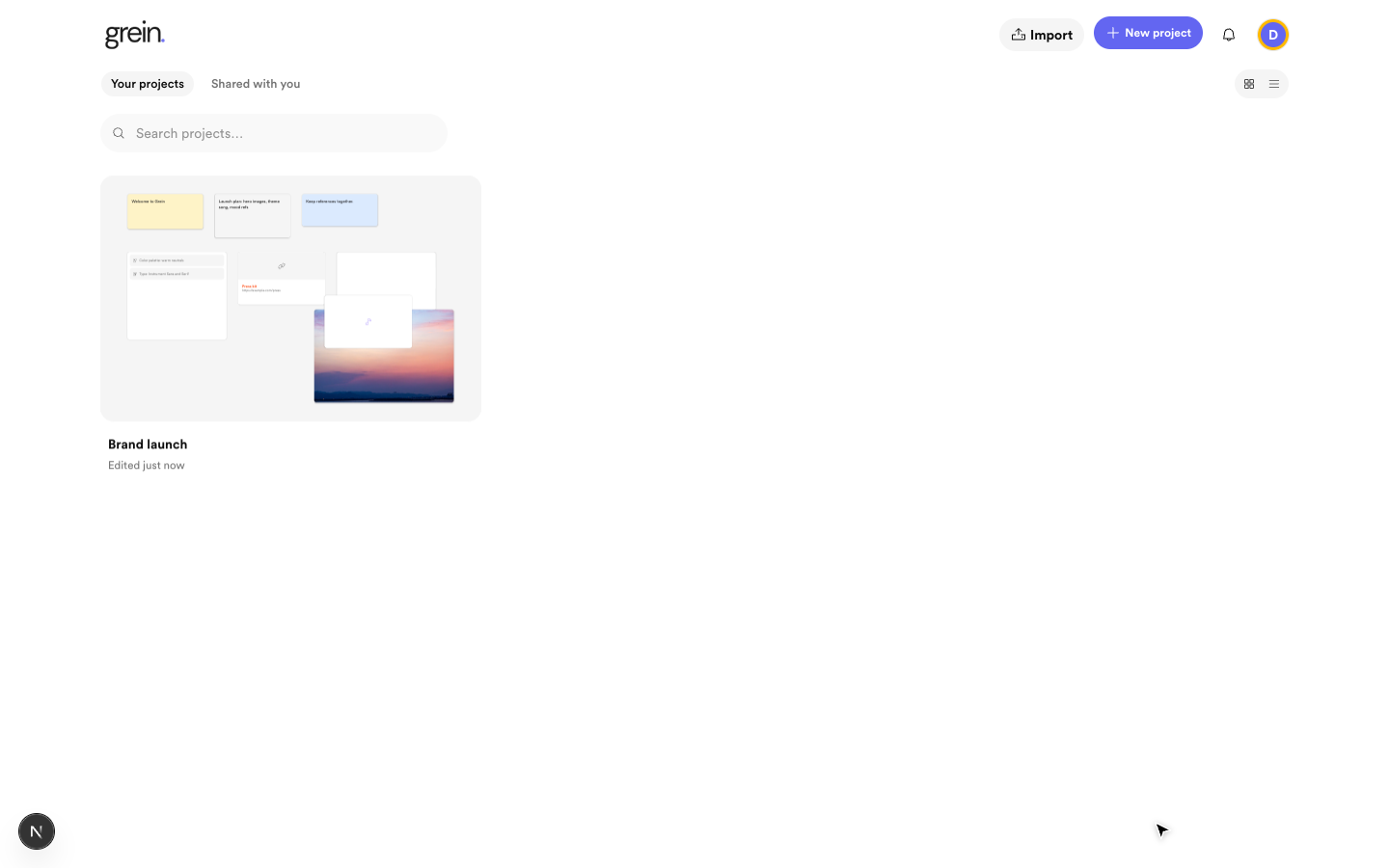 Search finds projects by title and blocks by content
Boards and sub-boards
A project opens on its main board. Create board blocks to nest sub-boards for larger sections, so a big project never has to live on one crowded screen. Any board can be opened directly —/board/<id> and /project/<id> render the same canvas.
Finding things on the canvas
Press Ctrl/Cmd+K or the search icon in the canvas header to search blocks and boards. Results split into This project and Other projects. Clicking a result jumps to that board and highlights the block.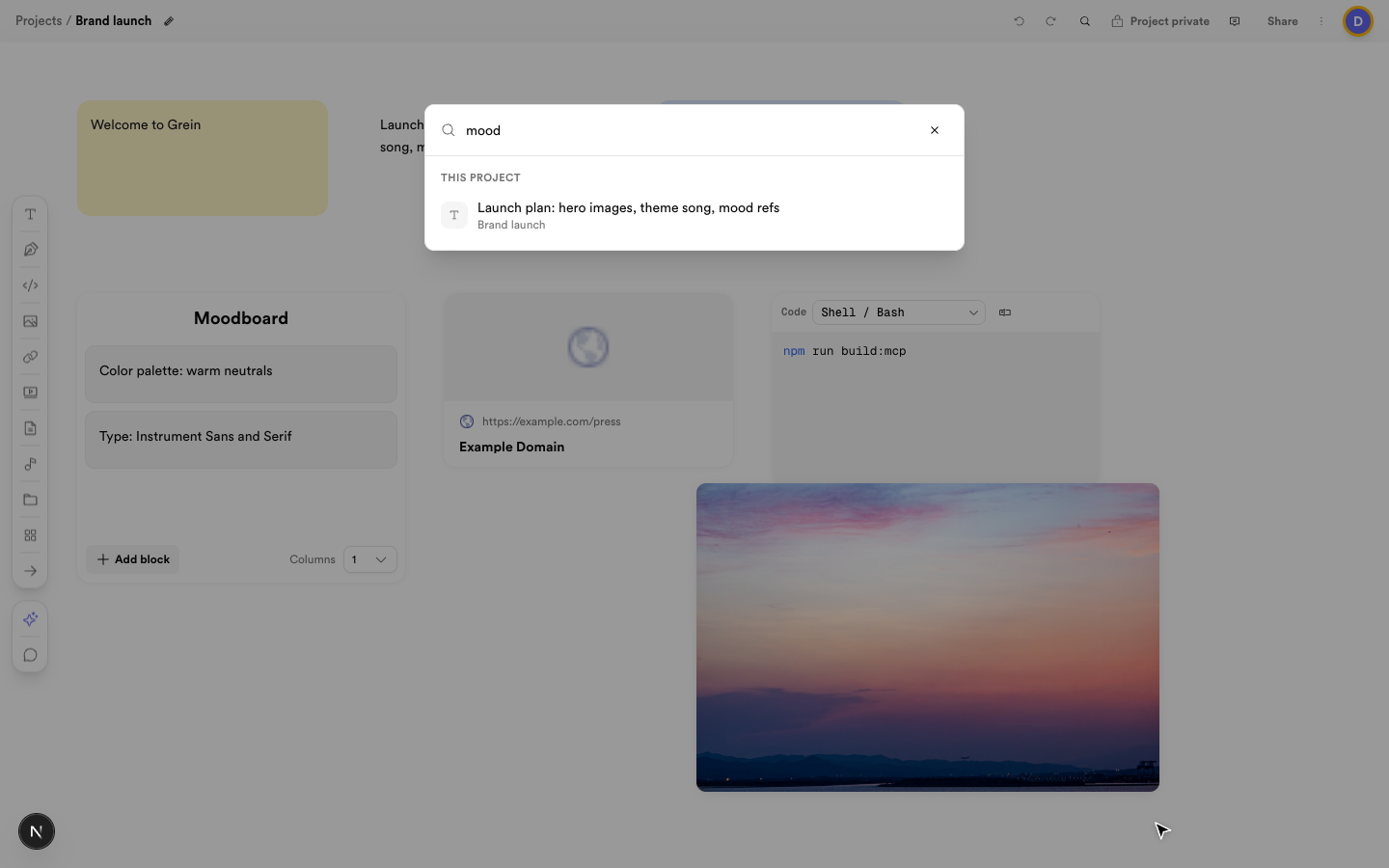 Search with Ctrl/Cmd+K and jump straight to the block
Tips
- Give projects and boards clear names — breadcrumbs use them.
- Use one board per section, not one giant board.
- Double-click a board title in the header to rename it.